Back to all product releases
Add a note when approving an approval request

Sheanee Michaud
Product Expert
All-in-one
ATS
Foundations, Plus, Enterprise
Core Update
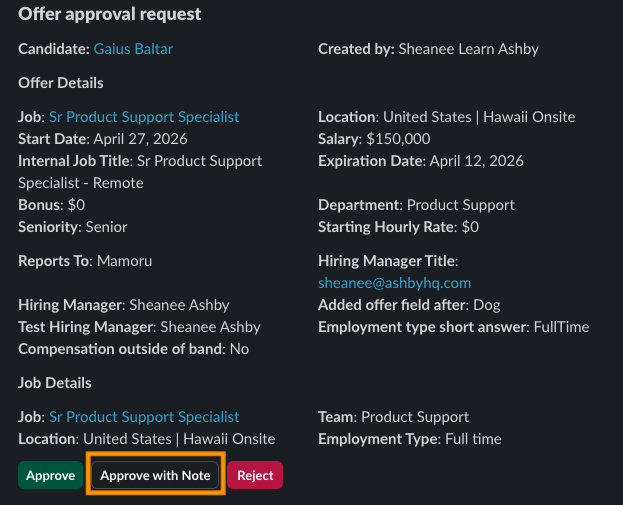
In addition to being able to add a note when rejecting an approval request, approvers can now add a note when approving one!
When approvers log in to Ashby to take action on the approval, clicking the "Approve" button opens a window where an optional note can be added.
A new "Approve with Note" button will also appear in Slack notifications for approval requests.