Ashby Assistant can now answer product questions and guide users to the right resources

Ashby Assistant now helps you find answers faster, without manually searching help documentation, asking teammates, or contacting support.
Previously, Ashby Assistant focused on answering questions about your hiring data and taking action. Now, it can also answer product questions about Ashby's features and workflows, provide setup guidance, and surface relevant documentation when additional context is helpful.
You can now ask Ashby Assistant questions like:
- How do I create a scorecard template?
- Can Ashby route approvals based on department?
- Where can I find the documentation for scheduling rules?
- How do I set up a booking link?
Ashby Assistant responds directly in the conversation with guidance tailored to your question. When relevant, it also surfaces the most helpful knowledge base articles so you can learn more, share instructions with teammates, and dive deeper into the topic.
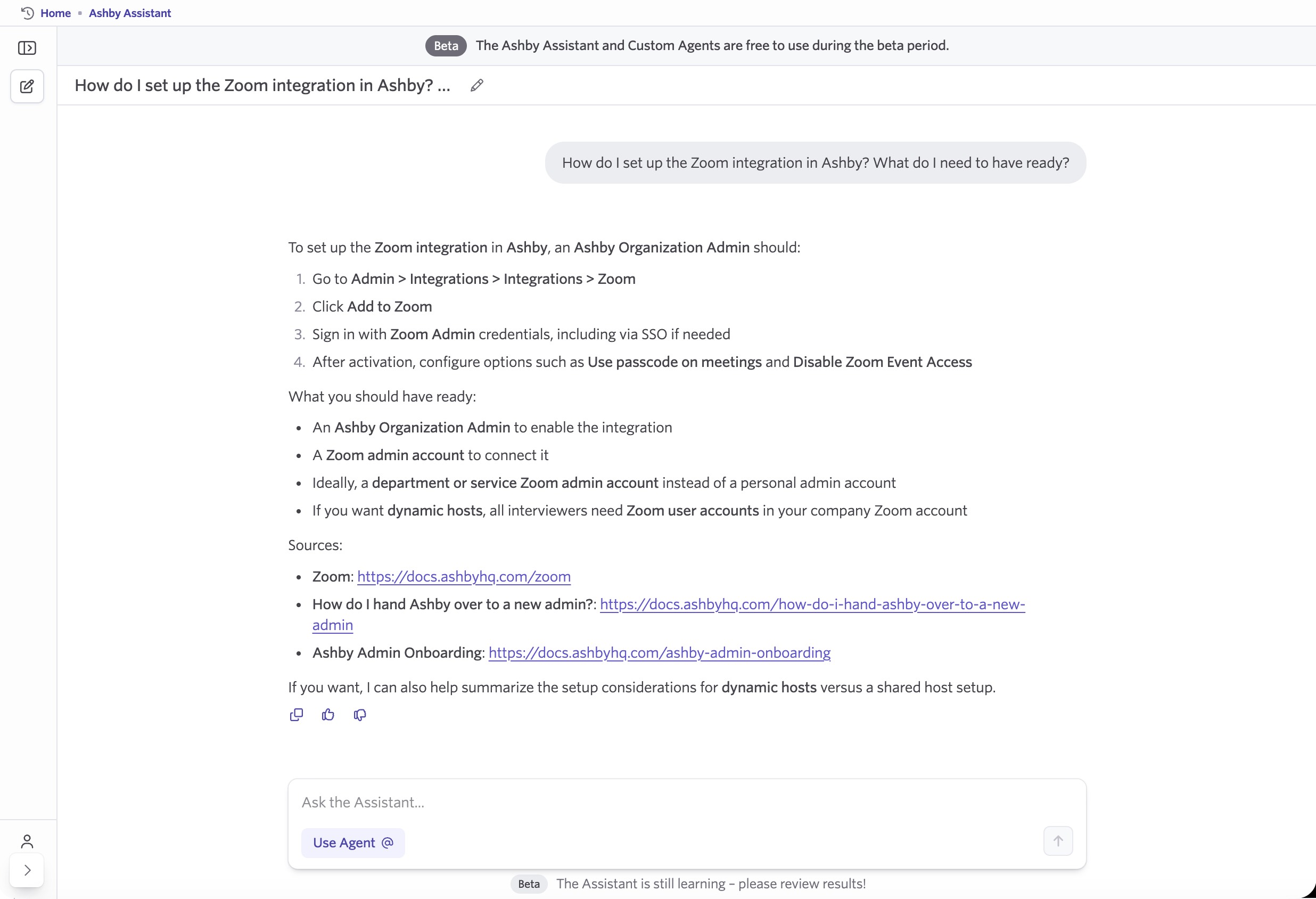
Get answers the moment questions come up
Product questions often come up while you're actively working in Ashby. Instead of interrupting your workflow to search documentation, ask a teammate, or contact support, you can ask Ashby Assistant directly.
Ashby Assistant helps you find product answers quickly and keep moving, whether you are refining a workflow, exploring a new feature, or confirming whether something is supported in Ashby.
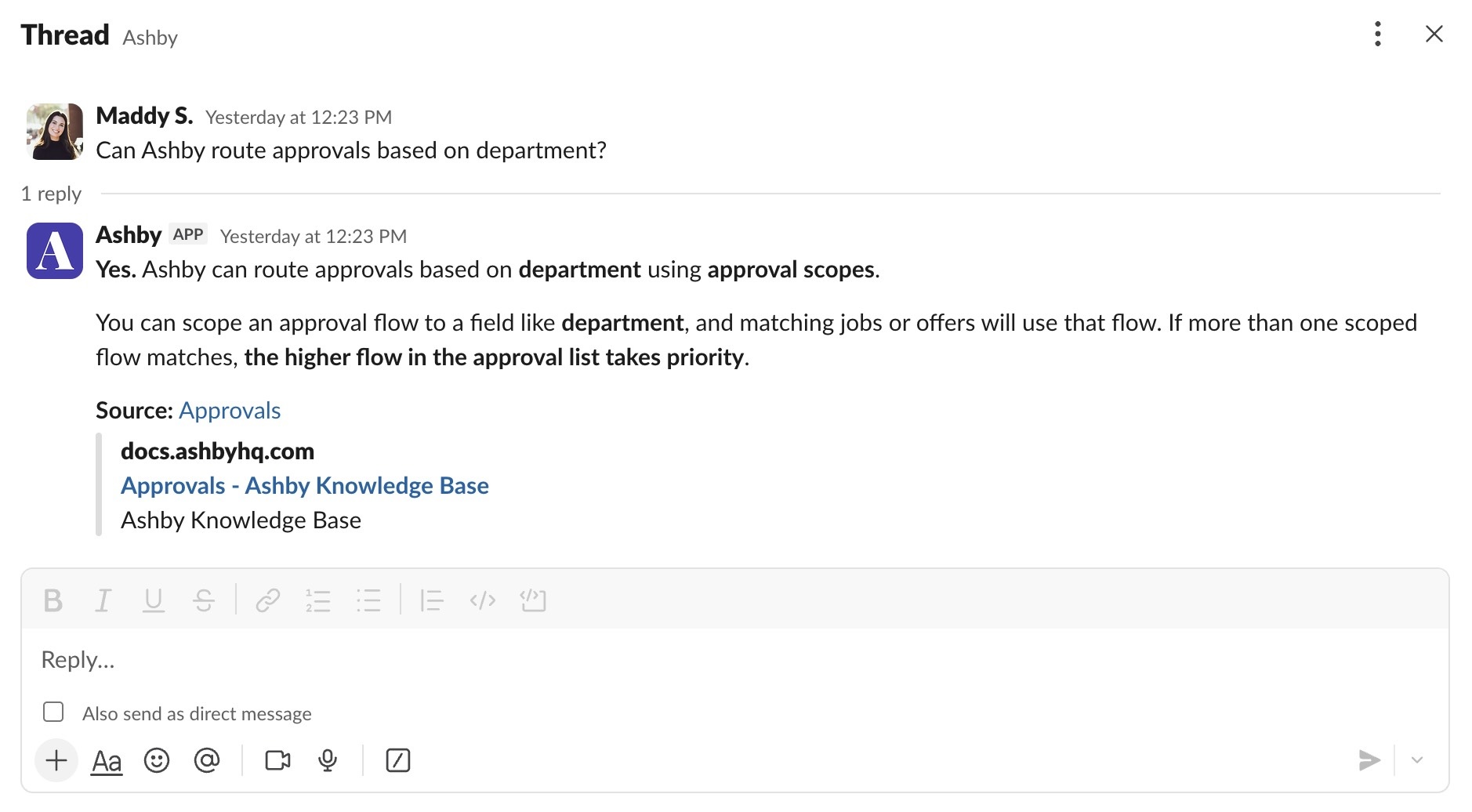
Getting started
Ashby Assistant is available in both the Ashby web app and Slack as an opt-in open beta for all customers.
To get started, go to Admin → Opt-In Features and enable Ashby Assistant. Once enabled, you'll see "Ashby AI" in the navigation bar.
Ashby Assistant is free to use during the beta period. Once generally available, usage will consume AI credits.
Visit the Help Center for more information, or book a demo to see Ashby Assistant in action.

