Back to all product releases
Default signature date formatting

Sheanee Michaud
Product Expert
All-in-one
ATS
Foundations, Plus, Enterprise
Core Update
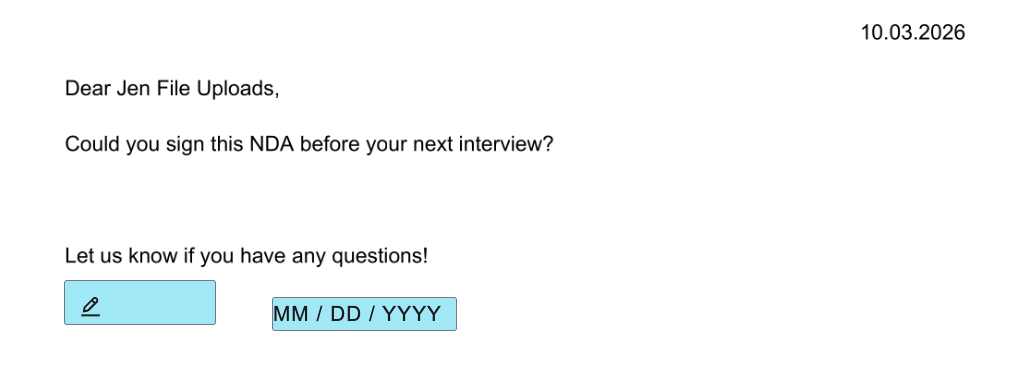
We've introduced a new feature to set the default date format for offer and E-signature letters. Setting this default will apply to how all date field types are formatted in your signature documents (for example, setting a date in DD.MM.YYYY or DD/MM/YYYY format).
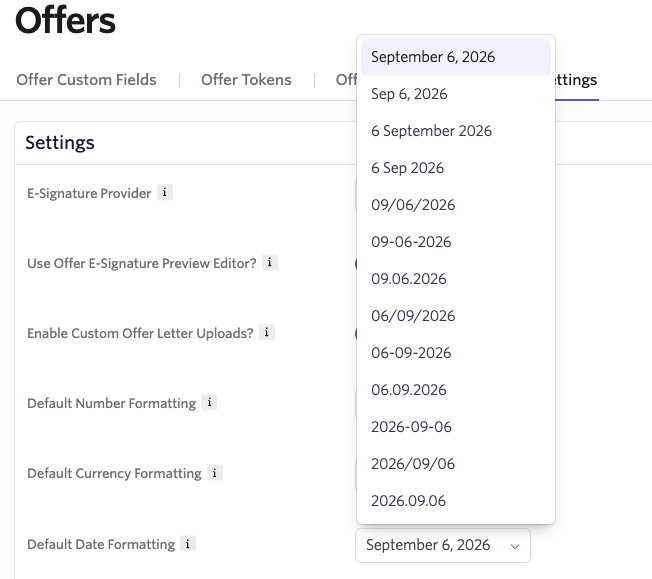
To set this, head over to the Offers Settings page (to set this default for offer letters) and/or the E-Signature Documents Settings page (to set this default for E-signature documents). Then, in the Default Date Formatting section, choose the format that should be applied to all dates.
Here's an example of how this would show in a generated offer letter: