Set different feedback visibility settings for Organization Admins and Elevated Access Users

You're now able to give Organization Admins in Ashby their own feedback visibility settings.
Previously, Organization Admins and Elevated Access Users shared feedback visibility settings, but they're now separate.
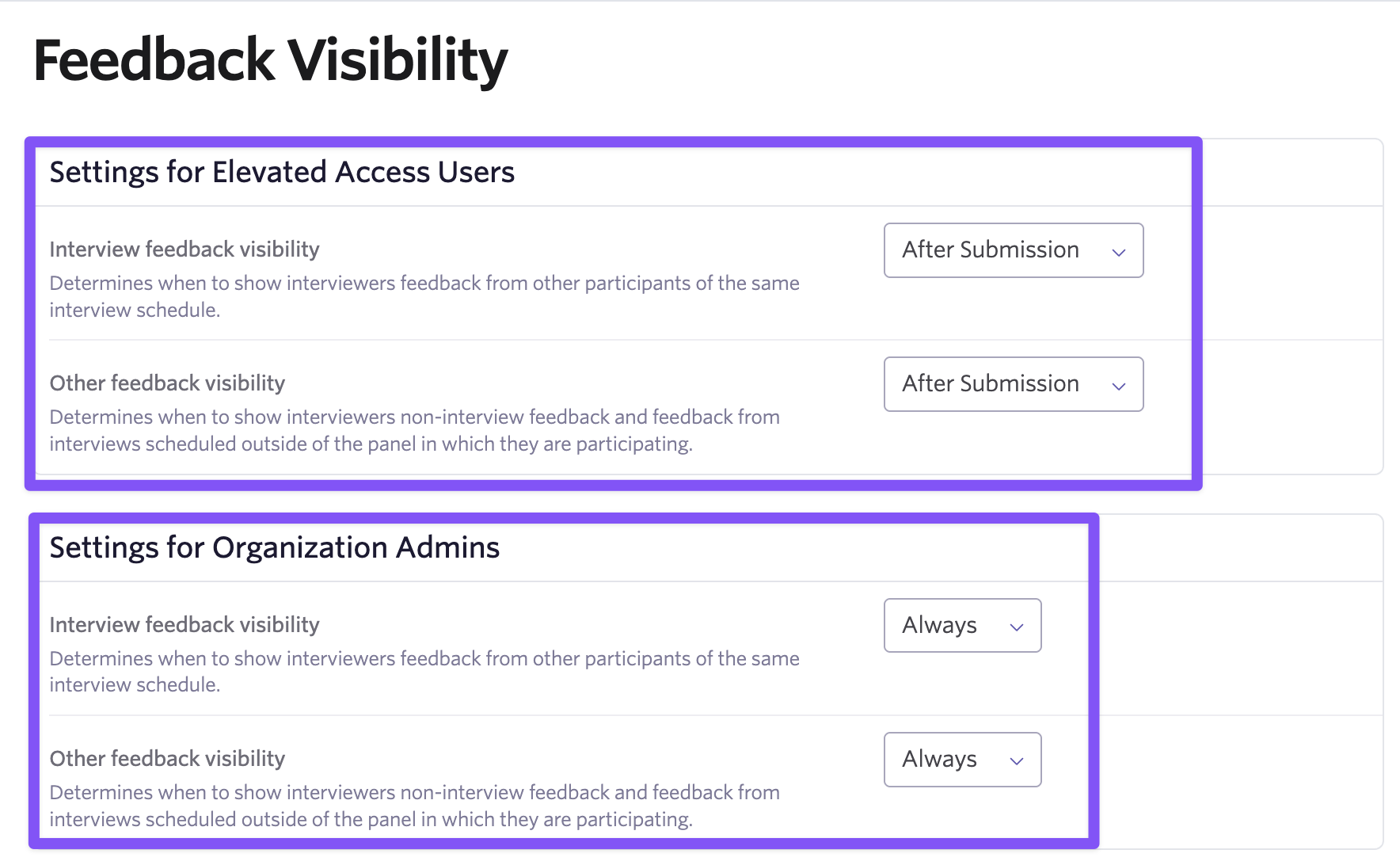
This is useful when your Organization Admins need full feedback visibility for things like oversight or training, while your Elevated Access Users should still be restricted (e.g. to prevent bias in active hiring decisions).
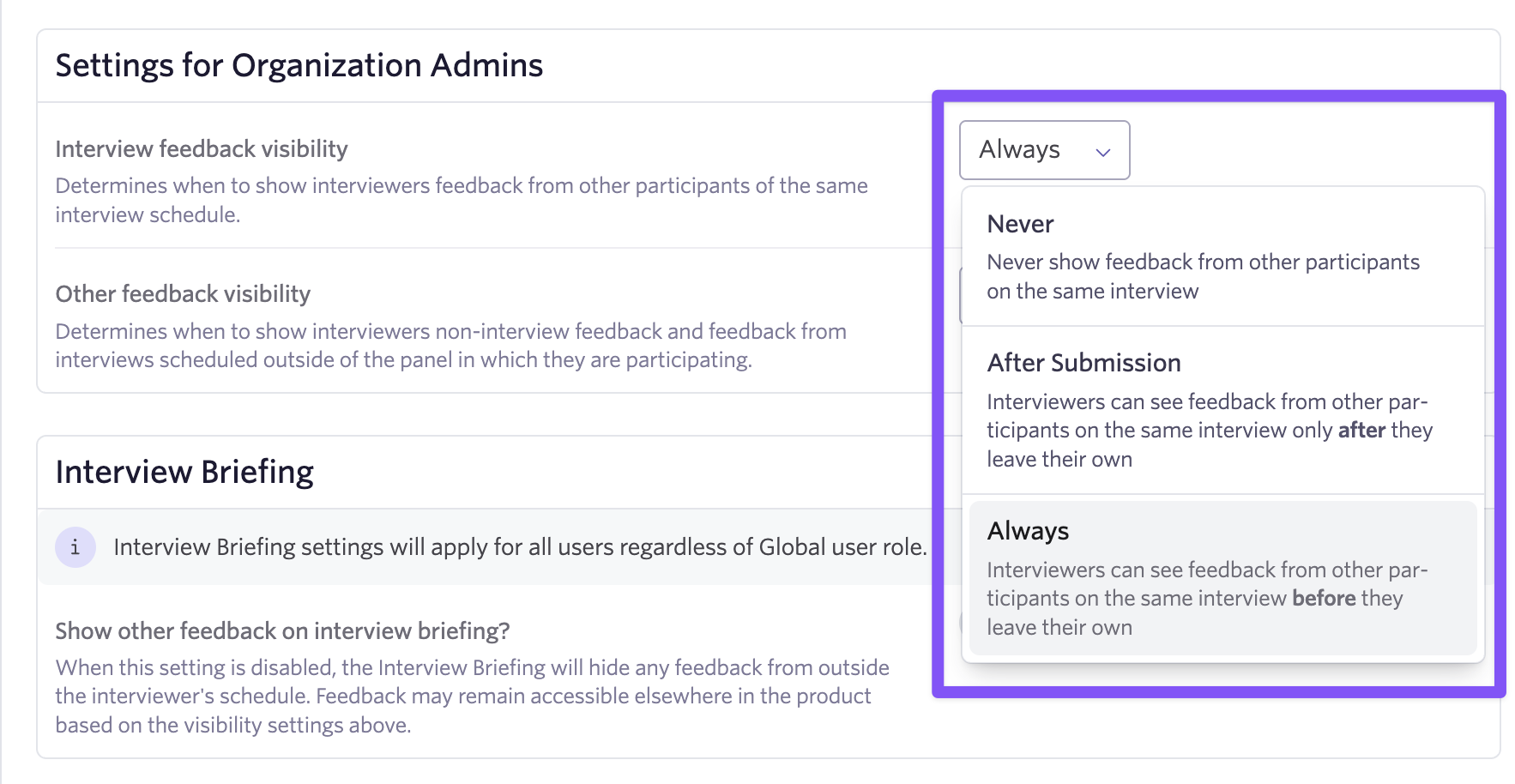
If an Organization Admin does not have a Job Access Role that allows them to see feedback forms, they'll default to the Limited Access User feedback visibility setting.
Get started by heading to Feedback Visibility under Interviews in Admin. To see a full overview, check out the article in our Knowledge Base: Feedback Visibility.

