Build reports through conversation with clarifying questions and feature guidance

We've been investing in making reporting in Ashby easier for everyone, from the Simplified Report Builder to AI-assisted report creation in plain English. Today, we're releasing a major update to the AI-Assisted Report Builder that makes building reports more accurate, more interactive, and more capable across everything Ashby can report on.
Report building is now a conversation
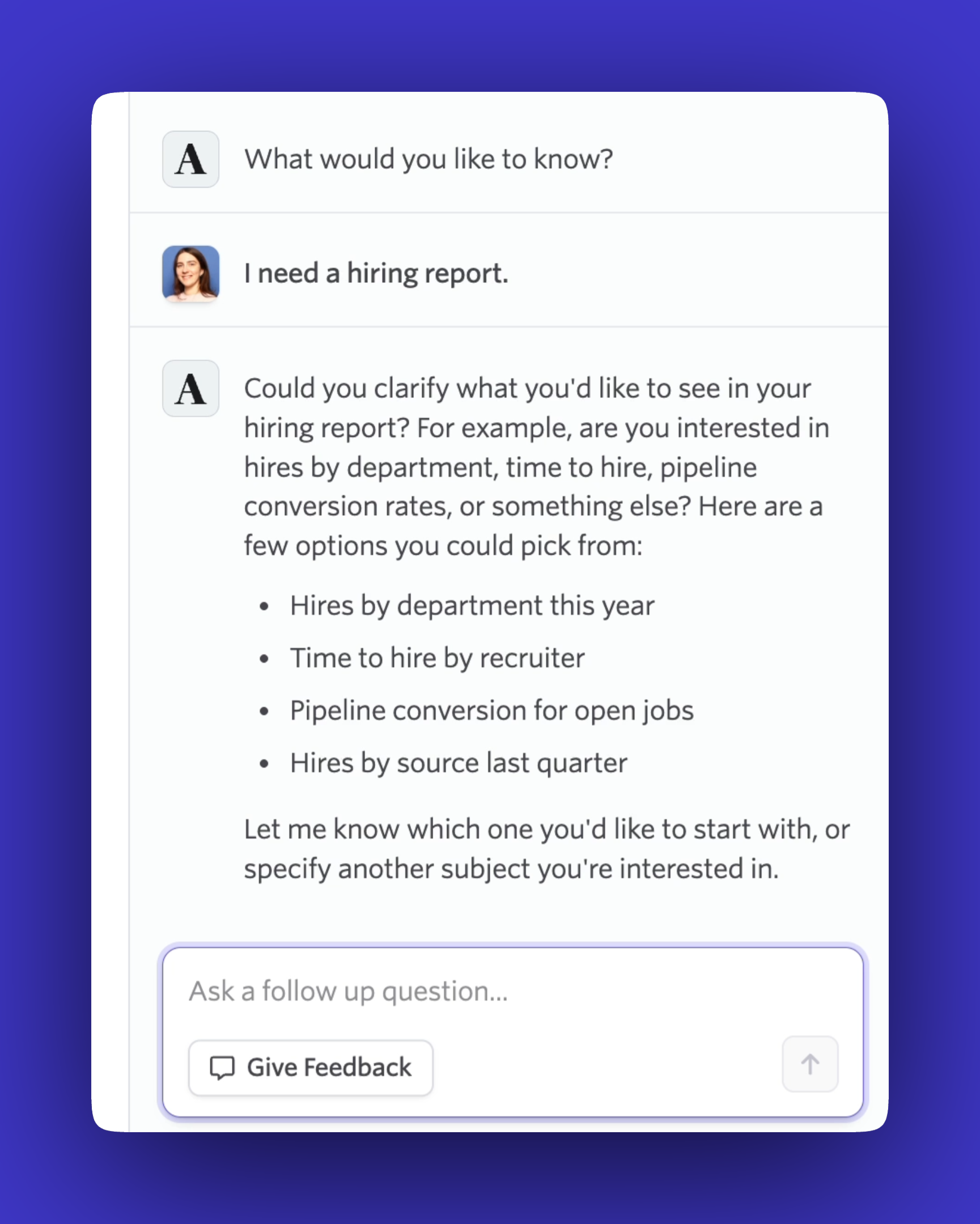
The AI-Assisted Report Builder now runs on a new chat experience designed for exploration, not just one-shot requests. Describe the report you need, and if your request is ambiguous, the assistant will ask a clarifying question instead of guessing. Once you have results, you can refine them with follow-up questions and iterate until the report shows exactly what you're looking for.
Reports also build progressively as you go, so you can see results take shape and adjust course quickly when something isn't quite right.
Guidance on Ashby features, right where you're working
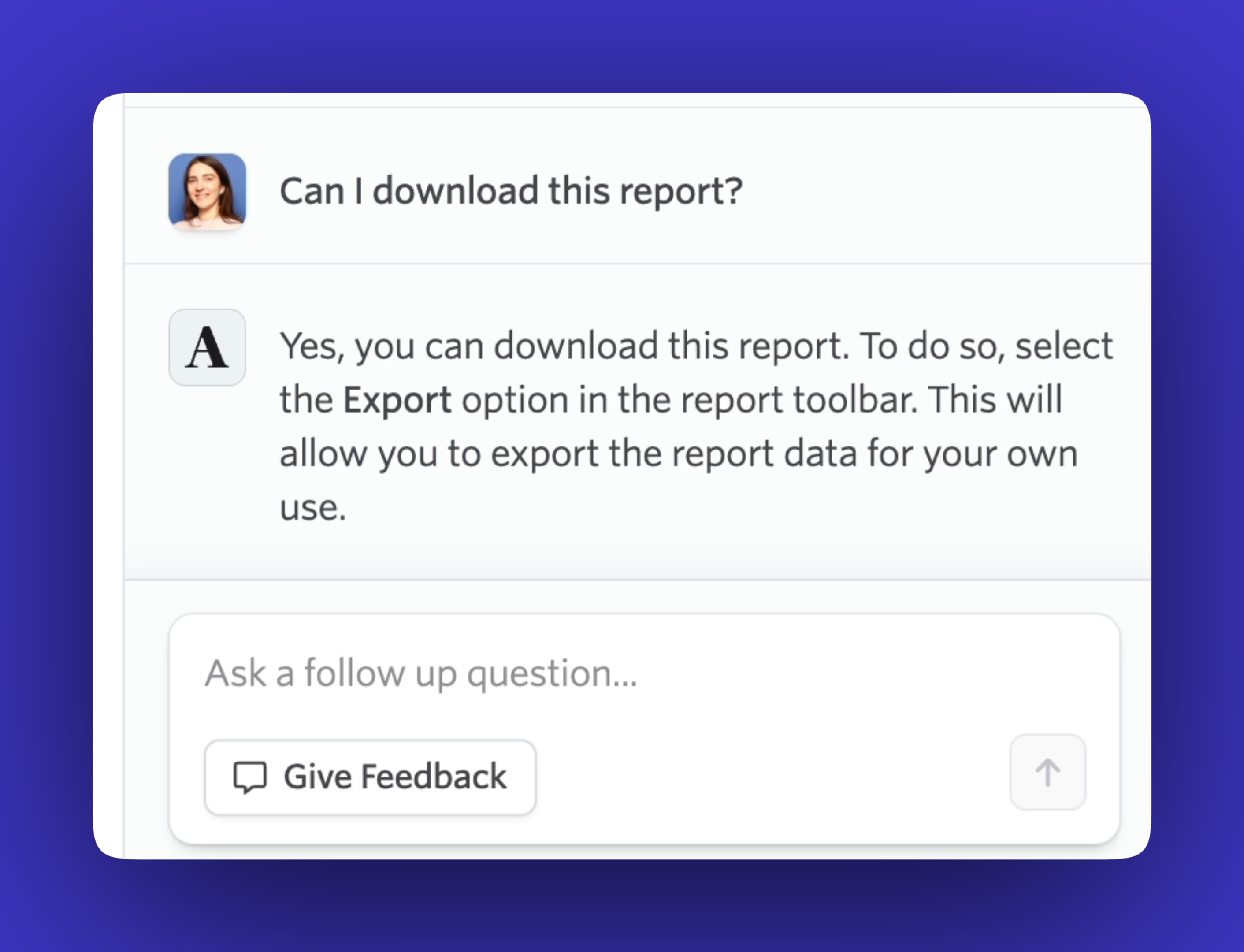
The assistant does more than build reports. It can guide you through relevant Ashby reporting features as questions come up, like how to export your results, so you can get answers without leaving the report you're working on or digging through documentation. For anyone still getting familiar with reporting in Ashby, that guidance turns the assistant into a way to learn the product while you work.
More accurate, with broader coverage
Under the hood, we've improved the model tuning and report-building logic that power the assistant. That means more accurate reports, better auto-generated report titles, and coverage across a more comprehensive set of report types. The assistant now keeps pace with new Ashby features by default, so as Ashby's reporting capabilities grow, you can build custom reports on them from day one.
We've also built comprehensive AI evaluations behind the scenes to continuously monitor report creation quality, so accuracy keeps improving over time.
Getting started
The updated AI-Assisted Report Builder is available to customers on Plus and Enterprise plans. Visit your organization’s admin settings to opt in, then open the Report Builder and click Let’s Chat to get started. Visit our Help Center to learn more.

