Back to all product releases
Set AI feature access for employees

Sheanee Michaud
Product Expert
All-in-one
AI
Foundations, Plus, Enterprise
Core Update
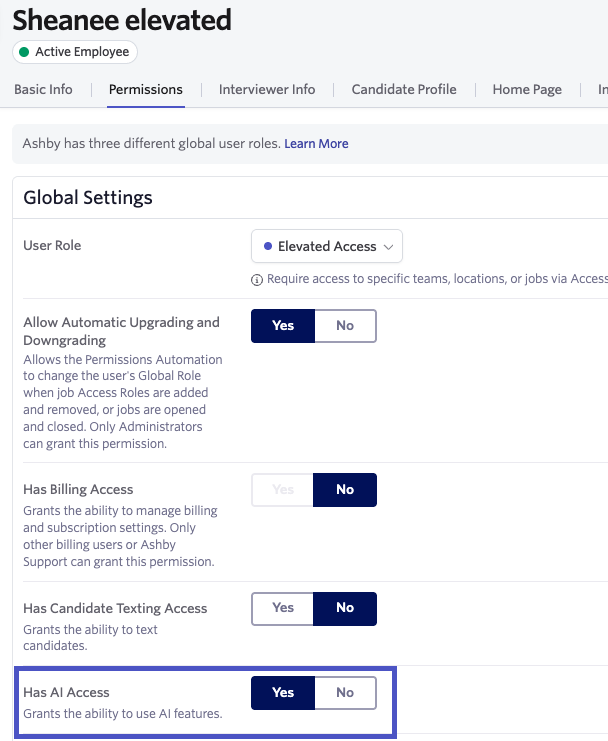
You can now manage access to AI features for individual employees. This is set directly in the employee's profile on the Employees page.
To enable AI features, toggle the Has AI Access switch to Yes. To disable AI features, toggle it to No. Access to AI features is enabled for all employees by default.