Introducing the Ashby MCP Server

Today, we’re launching the Ashby MCP Server in Open Beta, available on all Ashby plans.
MCP gives AI tools a standard way to connect to external systems. With Ashby’s MCP Server, customers can make live recruiting context from Ashby available to MCP-compatible AI clients like ChatGPT, Claude, Cursor, and others, without building custom middleware or maintaining a bespoke integration.
Once connected, an AI client can securely access Ashby data while respecting the same user permissions that apply in Ashby.
What’s included
The Ashby MCP Server exposes a growing set of tools for working with recruiting data in Ashby.
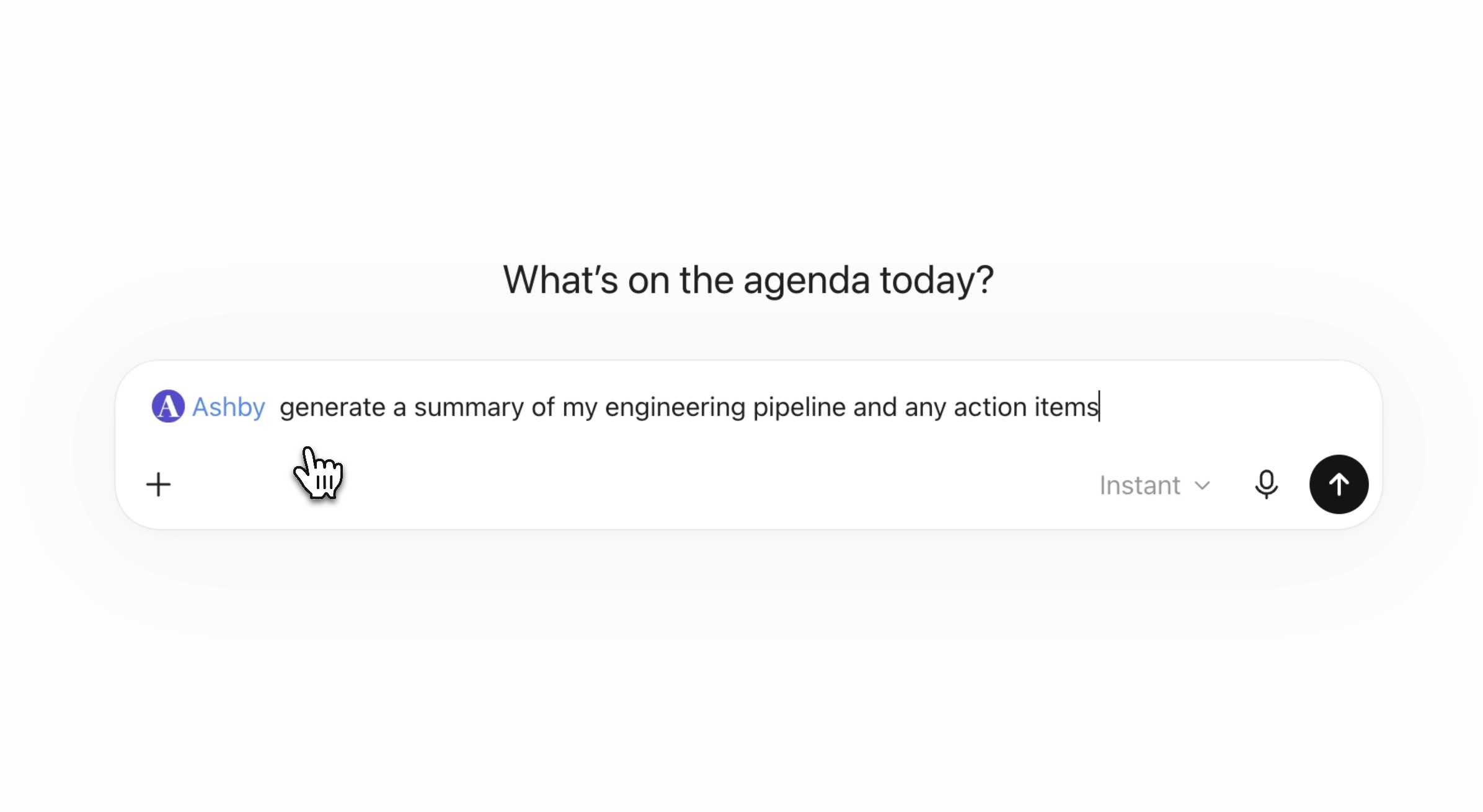
You can use it to:
- Search and retrieve recruiting context across candidates, applications, jobs, job postings, interviews, offers, notes, feedback, emails, referrals, hiring teams, and other recruiting records.
- Bring Ashby context into broader AI workflows, such as drafting a board update, comparing open roles against a headcount plan, or working with recruiting data alongside internal documents.
- Support company-specific workflows that connect Ashby data to internal tools, planning processes, or AI-powered workflows your team builds.
- Take select actions in Ashby, including adding candidate notes, moving candidates between interview stages, and considering candidates for open jobs.
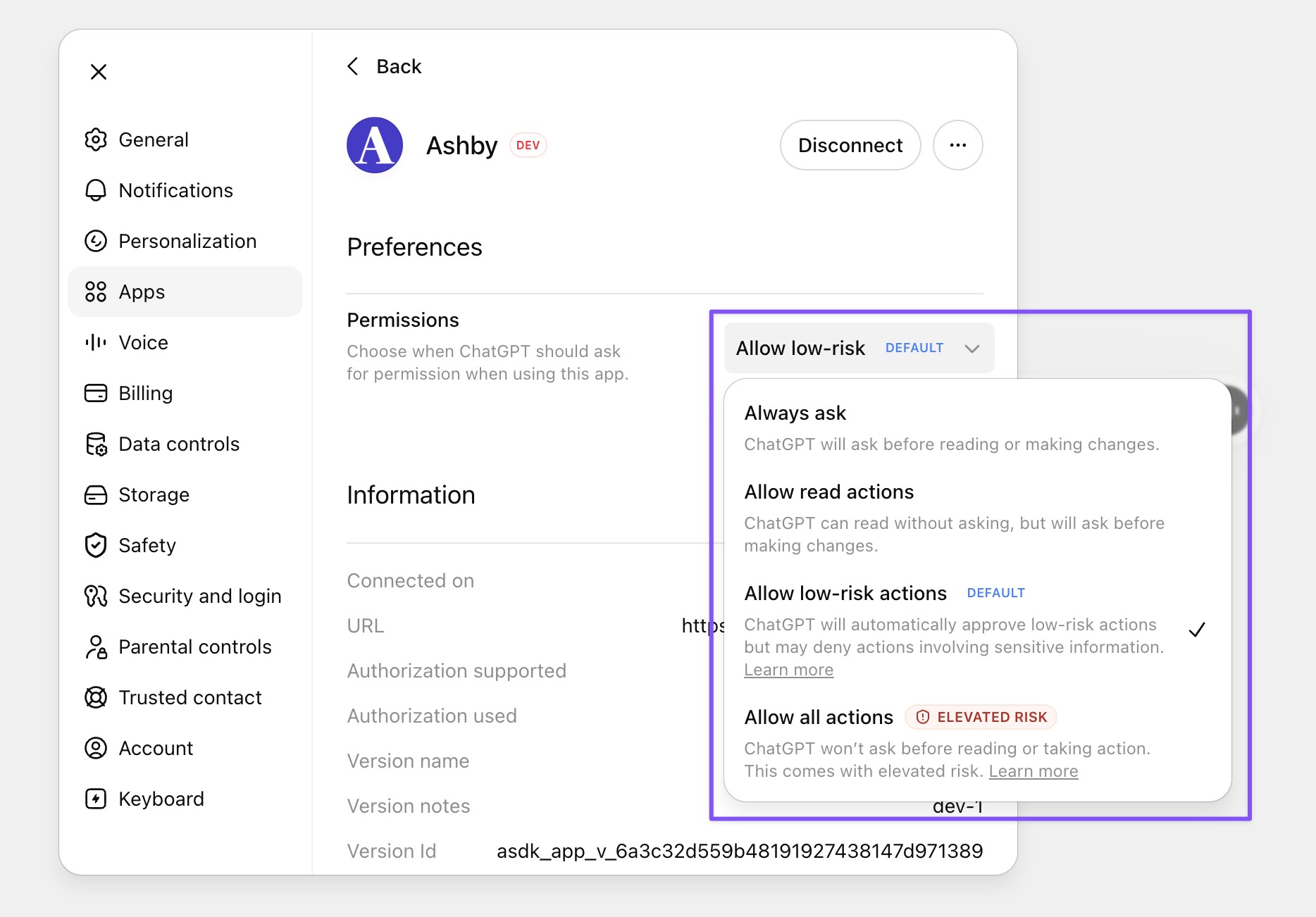
All access is authenticated through user-level OAuth. AI clients act as the individual user, not as a shared service account. That means every read and write operation respects the user’s existing Ashby permissions.
Each user can set their preferred level of control in their MCP client, including requiring approval before any action is taken.
Where MCP fits
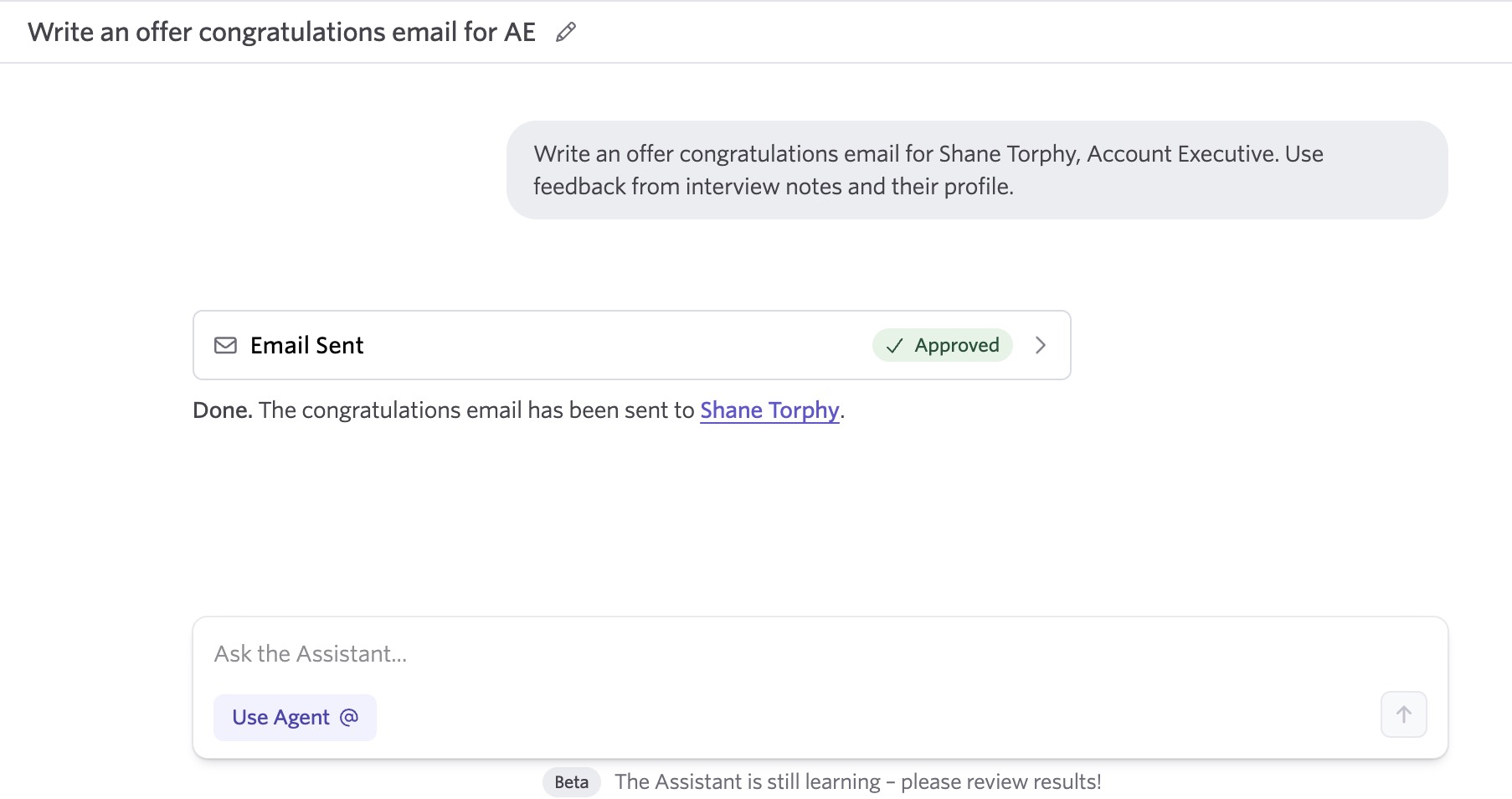
Ashby already offers first-party AI experiences through Ashby Assistant, Custom Agents, and the Ashby Slack app. Those remain the best starting point for most recruiting-specific workflows inside Ashby.
See this example of Ashby Assistant, our native AI agent:
MCP is different. It is most useful when recruiting context needs to be available in another AI environment.
For example, if you want to compare a headcount plan in a spreadsheet with open roles in Ashby, draft a board update using recruiting data, or build an internal workflow that pulls from Ashby, MCP can help your AI client access the right context securely.
In those cases, the value is not replacing Ashby’s own AI experience. The value is making Ashby available as part of a broader workflow happening outside the product.
A simple rule of thumb: use Ashby’s first-party AI when the work starts and ends in Ashby. Use MCP when Ashby is one source of context in a larger AI workflow.
Works with your preferred AI tool
The Ashby MCP Server is client agnostic and works with any supported MCP-compatible client, including ChatGPT, Claude, Cursor, and other AI applications.
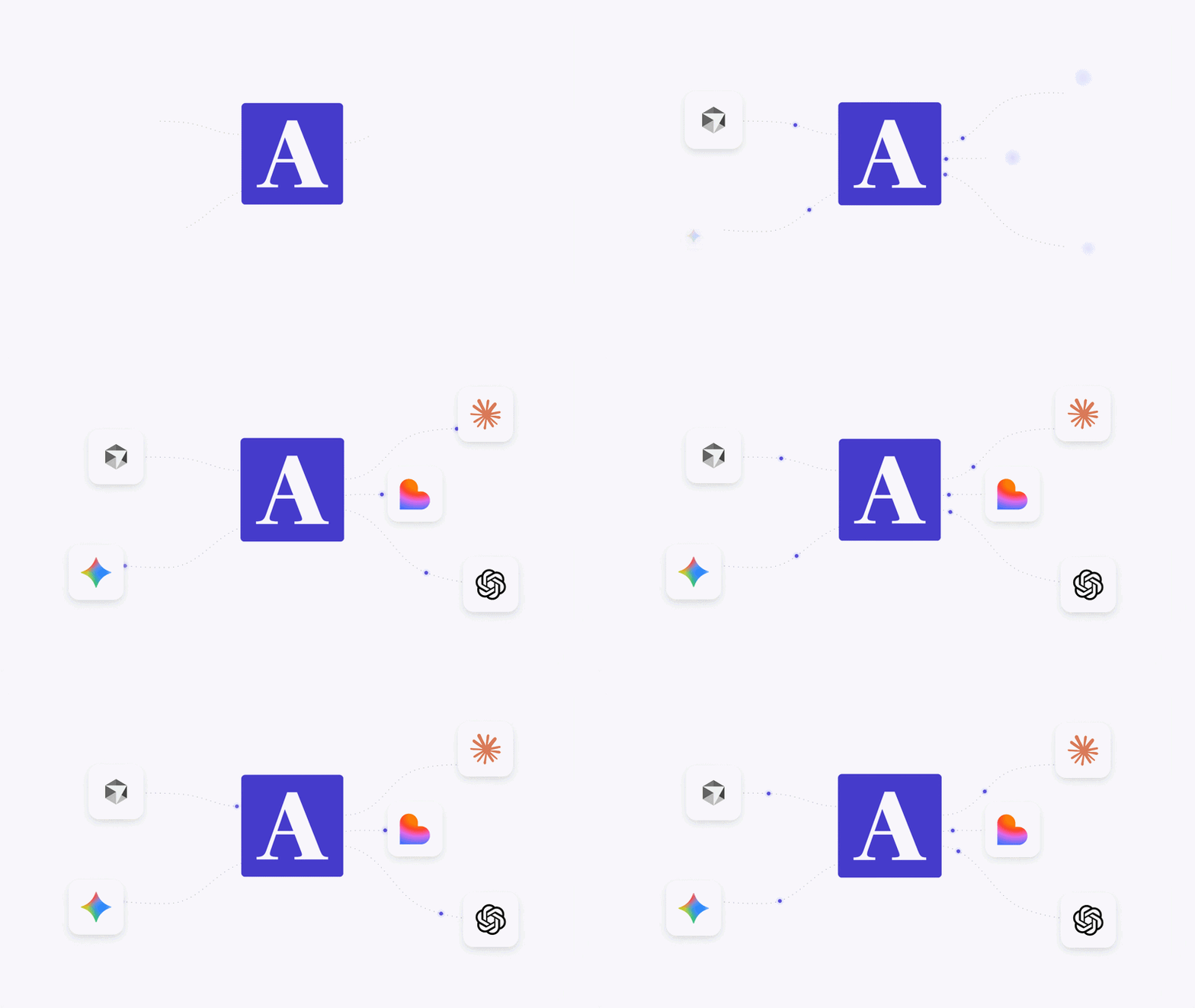
This gives teams flexibility to use Ashby context in the AI environments where they already work. Recruiting teams can bring Ashby data into a general-purpose assistant. Operators can use it alongside planning documents or spreadsheets. Technical teams can connect it to coding tools or internal workflows.
The experience may vary depending on the client and model you use, but the underlying Ashby connection remains first-party, permission-aware, and secure.
Secure by design
The Ashby MCP Server was built around the same permission model customers already rely on in Ashby.
Users connect through OAuth, and connected clients can only access the data and actions that user is already allowed to access in Ashby. There is no shared service account and no separate permission model to maintain.
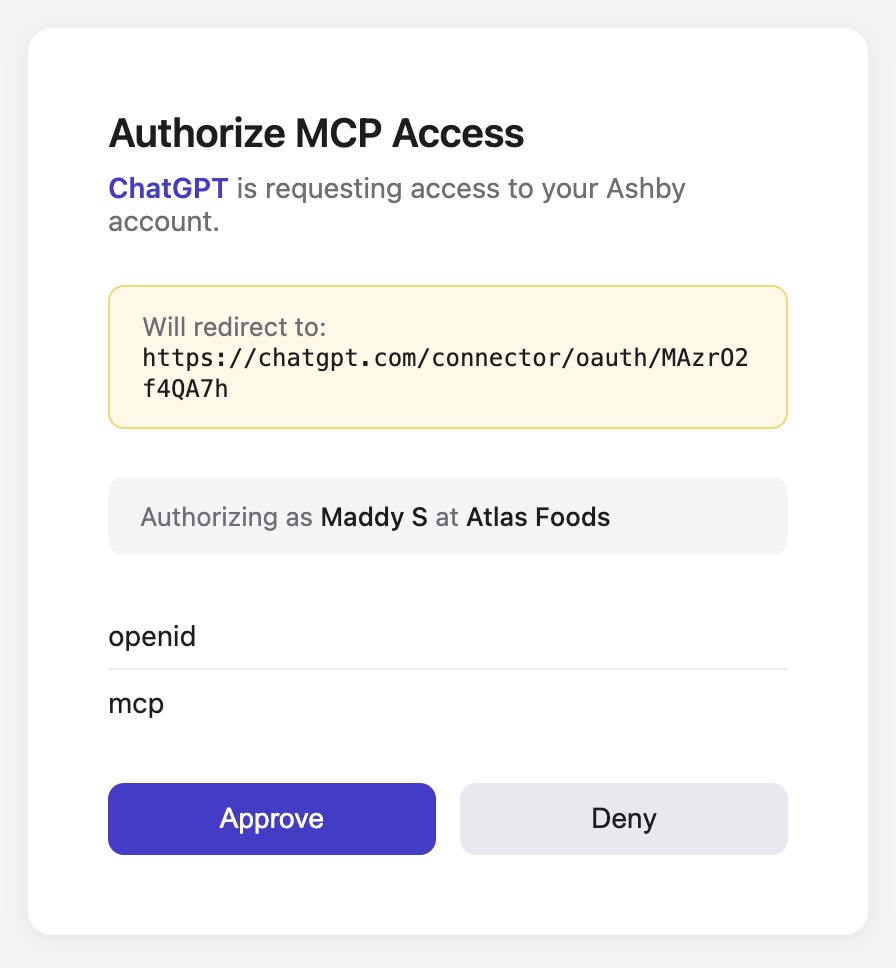
This gives teams a secure way to make Ashby available to AI clients while preserving existing access controls.
Getting started
The Ashby MCP Server is available today in Open Beta on all Ashby plans.
To get started, connect your preferred MCP-compatible client using the Ashby MCP setup guide in our help docs. Once connected, your AI client can securely access Ashby recruiting context and use the tools available through the MCP Server.
We’re excited to make Ashby more accessible wherever teams are doing their work: inside Ashby, inside an AI assistant, or inside the custom systems they build for themselves.

