Back to all product releases
Specify interviewer pause start and end

Sheanee Michaud
Product Expert
All-in-one
Scheduling
Foundations, Plus, Enterprise
Core Update
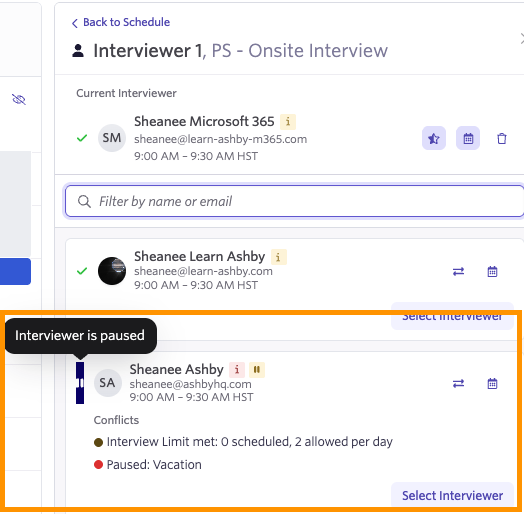
Set specific start and end dates and times when pausing an interviewer. When pausing the interviewer, add a label to provide context on why an interviewer is paused (for example, if they are on vacation).
Setting an end time is optional and may be helpful when the interviewer's return date isn't known.
Here's a video walk-through of pausing an interviewer with a start and end date.
When manually scheduling a paused interviewer, their status will also show in the calendar.