Text candidates on WhatsApp, natively in Ashby

You can now send and receive WhatsApp messages with candidates directly in Ashby, alongside SMS.
SMS works well for candidates with US and Canada phone numbers, but it leaves a gap for teams hiring internationally. In markets like Brazil, Israel, and much of APAC, WhatsApp is a primary way candidates communicate with recruiters. Until now, those conversations often happened from personal or shared phones, outside Ashby and without a complete record on the candidate profile.
With WhatsApp Candidate Texting, recruiters can keep those conversations in Ashby, automate common messages, and preserve the context for the rest of the hiring team.
Included in this update:
- Two-way WhatsApp messaging from the candidate profile
- A dedicated WhatsApp template library, managed per brand, with substitution tokens
- WhatsApp as a delivery channel for automated interview reminders and booking confirmations
- Slack and email notifications for inbound messages, including reply-from-Slack
- Independent organization-level controls for enabling SMS and WhatsApp
Message candidates from their profile
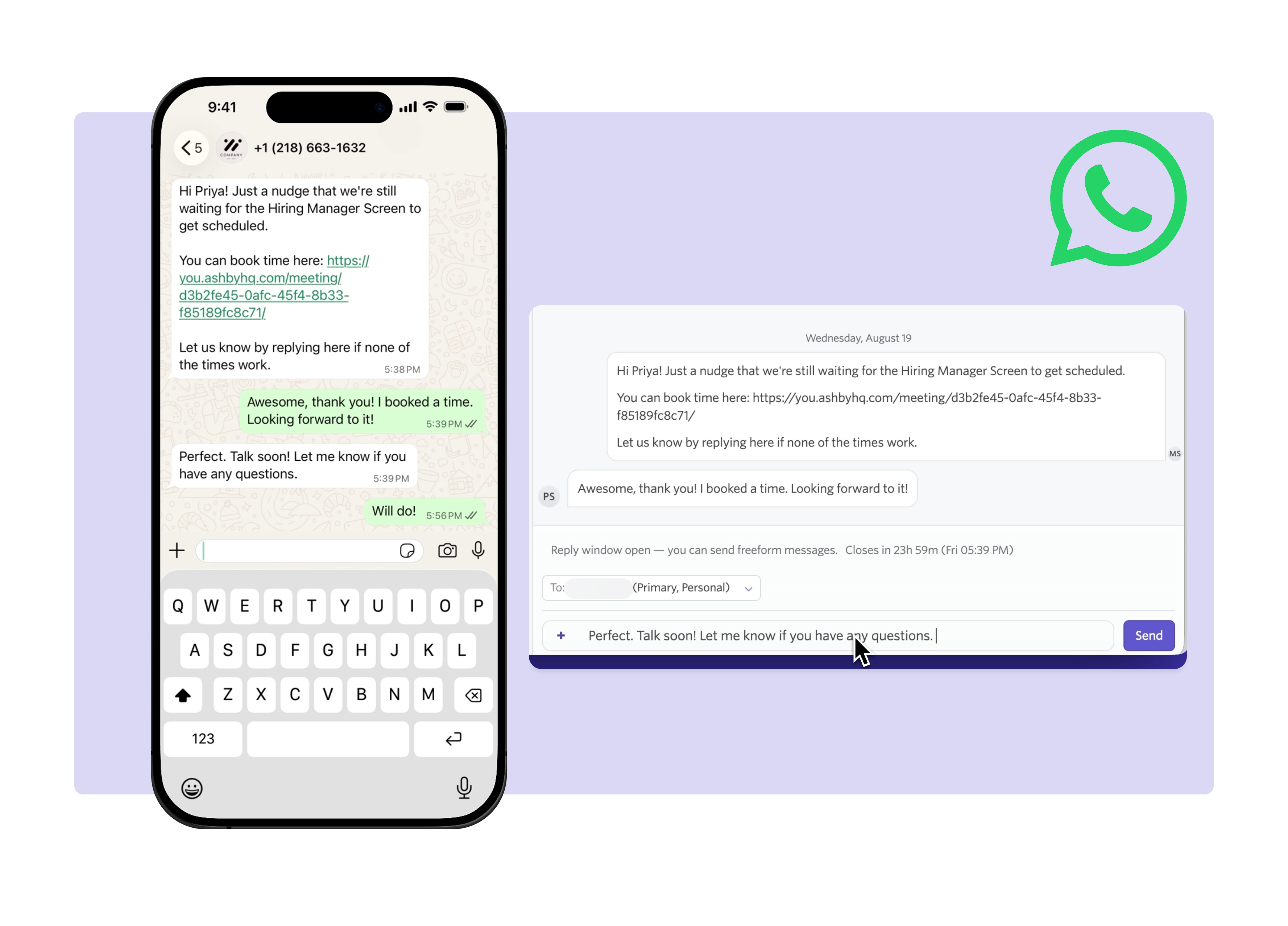
The existing Texts tab is now SMS, with a new WhatsApp tab alongside it. Each appears only when that channel is enabled for your organization.
Recruiters can use WhatsApp for the same conversational workflows they already manage in Ashby, while following WhatsApp's messaging rules.
Business-initiated conversations must begin with a template approved by Meta. Once a candidate replies, a 24-hour conversation window opens, during which recruiters can send free-form messages.
Create and manage WhatsApp templates
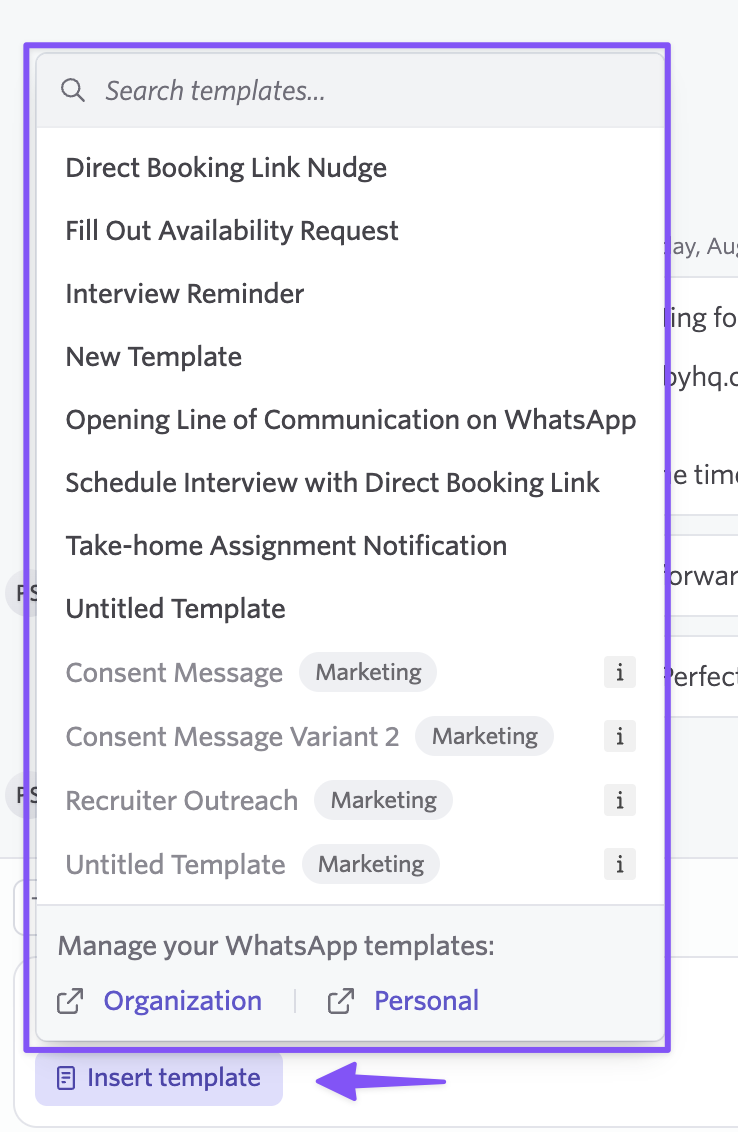
WhatsApp templates are separate from SMS templates and managed per brand.
Templates move through Draft, Submitted, Approved, and Rejected states. Approval is handled by Meta. If you edit an approved template, Ashby submits the new version for review while the currently approved version remains available to send.
Meta also categorizes templates as Marketing, Utility, or Authentication, which affects where they can be sent and how many texting credits they use.
- Marketing templates use 2 texting credits and cannot be sent to US or Canada numbers.
- Other outbound WhatsApp messages use 1 texting credit.
- Inbound WhatsApp messages are free.
Automate reminders and confirmations over WhatsApp
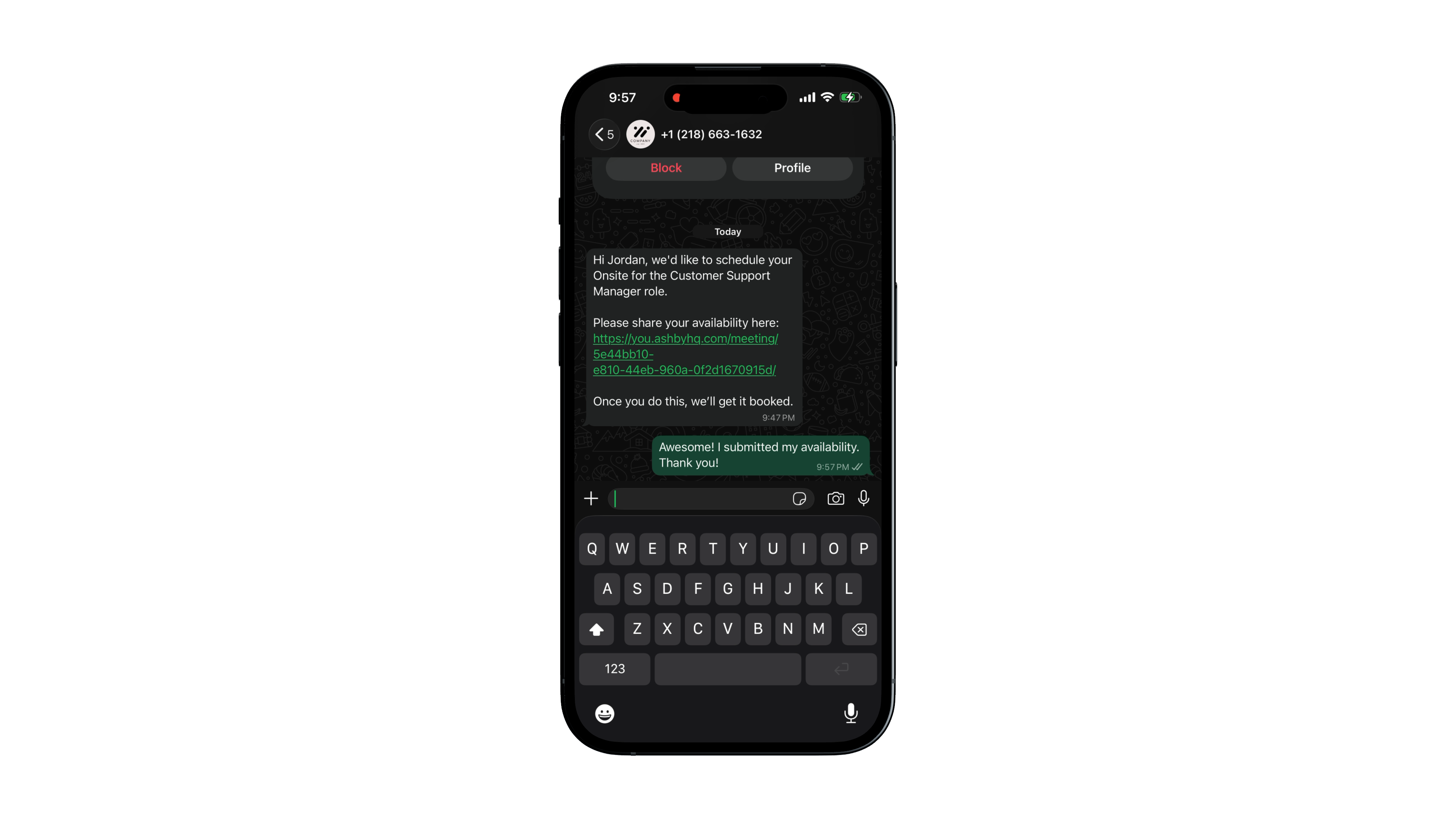
WhatsApp is also available as a delivery channel for automated interview reminders and booking confirmations.
Teams can use the channel candidates are most likely to see without moving those workflows outside Ashby or requiring recruiters to send messages manually.
Keep inbound replies visible to recruiters
When a candidate replies on WhatsApp, Ashby can notify recruiters through Slack or email.
Slack notifications also support reply-from-Slack, so recruiters can respond without opening Ashby while the conversation remains recorded on the candidate profile.
Manage WhatsApp consent separately
WhatsApp consent is tracked separately from SMS consent.
Meta's Business Messaging Policy requires candidates to opt in specifically to receiving WhatsApp messages from the sending business. GDPR also requires consent to be captured for the relevant communication channel, so existing SMS consent does not automatically apply to WhatsApp.
Getting started
WhatsApp Candidate Texting is available on all plans.
To enable it, go to Admin > Candidate Texting, turn on WhatsApp, and connect your WhatsApp Business Account from the WhatsApp Registration page.
Visit our Help Center for step-by-step setup instructions.

